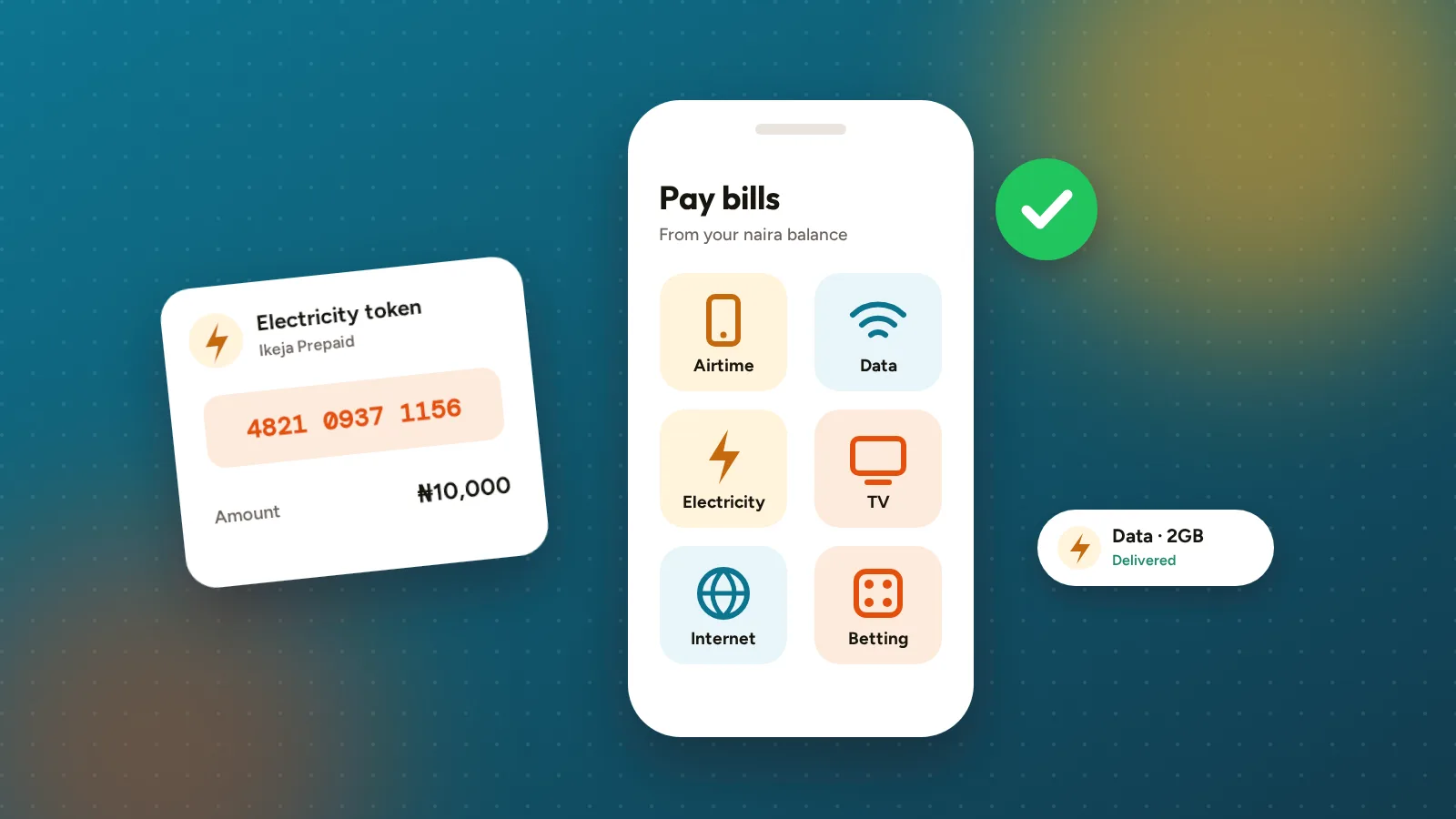
Your Egoyibo balance isn’t only for withdrawing. You can use it to pay everyday bills directly in the app, without moving money to another app first.
What you can pay for
- Airtime on MTN, Airtel, Glo and 9mobile
- Data bundles for the same networks
- Electricity, prepaid tokens and postpaid bills for the distribution companies listed in the app
- Cable TV such as DStv, GOtv, StarTimes and Showmax
- Internet subscriptions
- Betting wallet top-ups
The exact list of providers is in the Bills tab and can change as providers come and go.
Step by step
- Open Egoyibo and tap Bills.
- Choose what you’re paying for, then the provider.
- Enter the phone number, meter number or smartcard number. For electricity and TV we check the number with the provider and show you the customer name before you pay. Make sure it’s the right person.
- Choose the amount or plan, check the price on the confirmation screen, and confirm with your PIN or fingerprint/face.
- You get a receipt in the app. Electricity tokens are on the receipt and sent to your email. Keep them until the token is loaded on your meter.
Double-check numbers before you pay. A bill that was delivered to the wrong phone, meter or smartcard can’t be refunded.
What if a payment doesn’t go through?
- If the provider tells us it failed, the money goes straight back to your balance.
- If the provider hasn’t confirmed either way, the payment shows as pending while we check. If it still can’t be confirmed as delivered after 72 hours, we refund it to your balance.
For help, email [email protected] with the EGB-… reference on your receipt.
Adding money just for bills
You can also top up your balance by card, bank transfer or USSD. There’s no Egoyibo fee for this. Money added this way can be spent on bills but can’t be withdrawn to a bank. The app uses it first when you pay a bill.