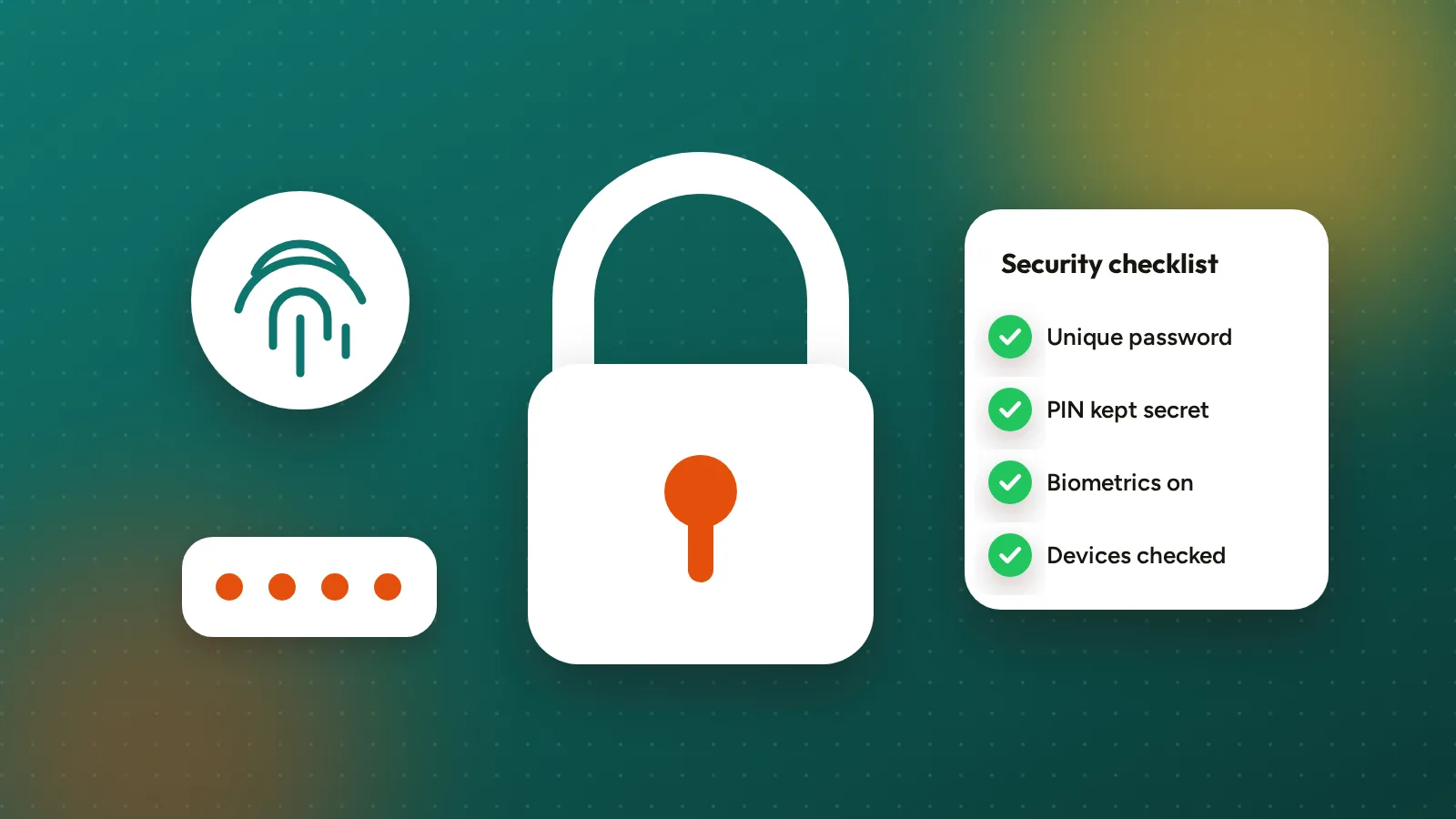
Most account takeovers start with a reused password or a code given away over the phone. Go through this checklist once and you’ll be ahead of most people.
1. Use a unique password
Don’t reuse the password from your email, social media or any other app. If one of those sites leaks, attackers try the same email and password everywhere. A password manager makes this easy.
2. Protect your email
Your email is the key to resetting your Egoyibo password. Give it a strong unique password and turn on two-step verification with your email provider.
3. Keep your PIN to yourself
Your transaction PIN confirms withdrawals, bill payments and new bank accounts. Don’t use your birthday, 1234 or the same PIN as your bank card, and never tell it to anyone.
Egoyibo will never ask for your PIN, password or the codes we email you. Not on the phone, not on WhatsApp, not by email. Anyone who asks is a scammer.
4. Turn on fingerprint or face unlock
In the Egoyibo mobile app, go to Me → Biometric unlock & approval and turn it on. It’s faster than typing your PIN and nobody can shoulder-surf it.
5. Check your signed-in devices
Me → Devices shows every phone and browser signed in to your account. Signing in on a new device needs a code sent to your email. If you see a device you don’t recognise, remove it, then change your password and PIN.
6. Lock your phone
A screen lock (PIN, fingerprint or face) on the phone itself means a lost phone doesn’t become a lost account. Egoyibo also signs you out after a few minutes of inactivity.
7. Only use the real Egoyibo
Use app.egoyibo.com or the official app. Be wary of links in SMS, WhatsApp or ads that lead to look-alike sites asking you to log in.
Something wrong?
If you think someone has accessed your account, change your password and PIN straight away and email [email protected] from your registered email address.